Account
You can use the editor without an account. You need one so that chains become active, notify you and are available on all your devices.
Signing in with a link or code
Section titled “Signing in with a link or code”Bellchain has no passwords. You get an email with a link and a six-digit code.
-
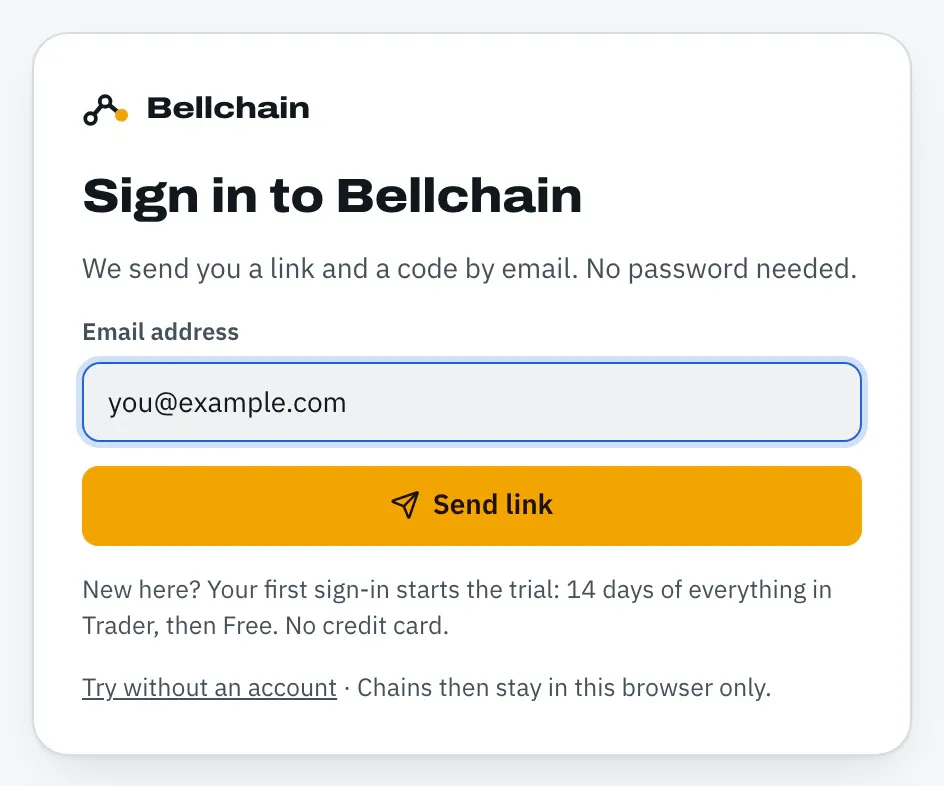
Click Sign in, enter your email address and click Send link.
-
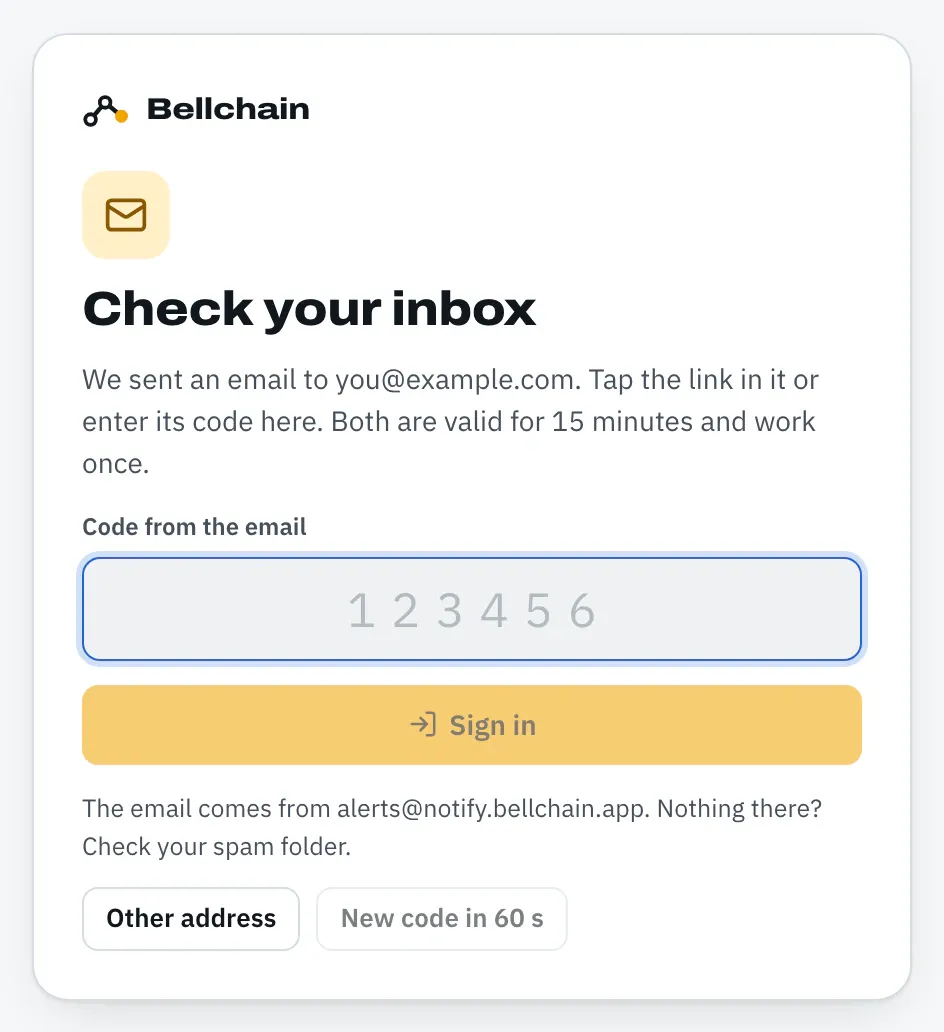
Open the email from alerts@notify.bellchain.app. The link and code are valid for 15 minutes and work once: if you use one of them, the other stops working too.
-
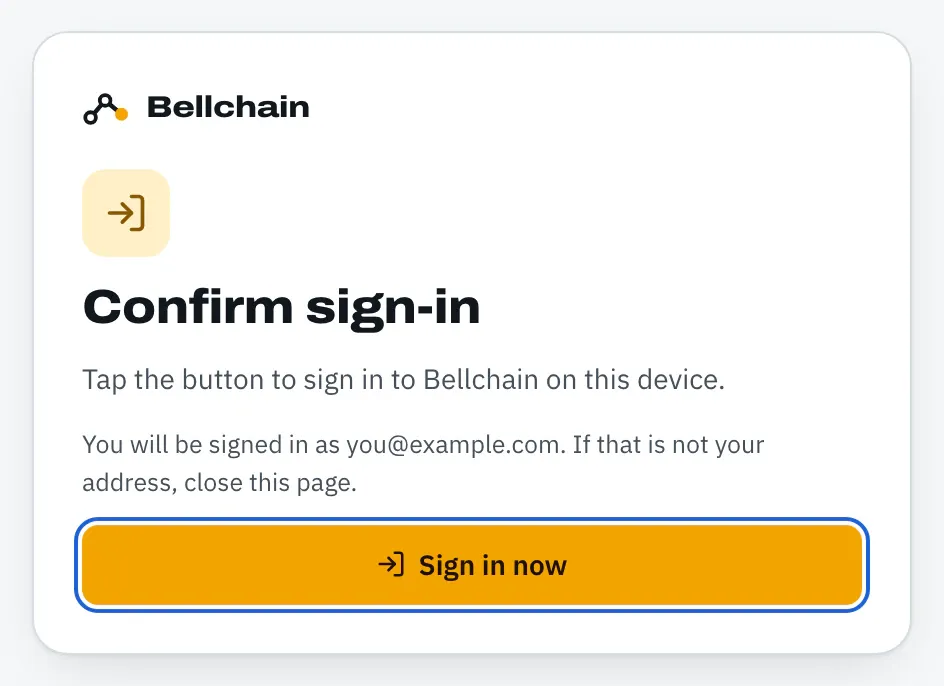
With the link: click Sign in now in the email. The page that opens names the address the link is for. Click Sign in now there once more.
With the code: enter the code in the field Code from the email, in the same browser or app where you requested the email. As soon as all six digits are in, Bellchain signs you in.
Why the extra click with the link: some email apps open links in advance to scan them for viruses. Only your click signs you in, and you see beforehand which address the link is for. If it isn’t yours, close the page.
Your first sign-in creates your account and starts the trial: 14 days of everything in Trader, no credit card. Bellchain takes language and time zone from your browser, and the address counts as confirmed for email alerts right away.
When the code helps
Section titled “When the code helps”The link opens in the browser of the device where you read the email and signs in only that browser. You enter the code wherever you want to sign in:
- In the app on your iPhone’s Home Screen. It has its own storage, separate from Safari, and links from emails always open Safari. See Push on iPhone.
- On a different device than the one with the email, for example when the email arrives on your phone and you sign in on your laptop.
The code only works where you requested the email; if you request several times, the code from the newest email counts. After five wrong tries it is locked. Then Send a new code helps; the link from the email still works. Don’t share the code with anyone.
Moving chains from the browser
Section titled “Moving chains from the browser”If you built chains without an account before, they are stored in the browser. With a new account they move along by themselves at the first sign-in. If you sign in to an existing account, Bellchain asks first: Move to my account or Not now. If you skip, they stay in the browser and Bellchain asks again the next time you sign in.
The account menu
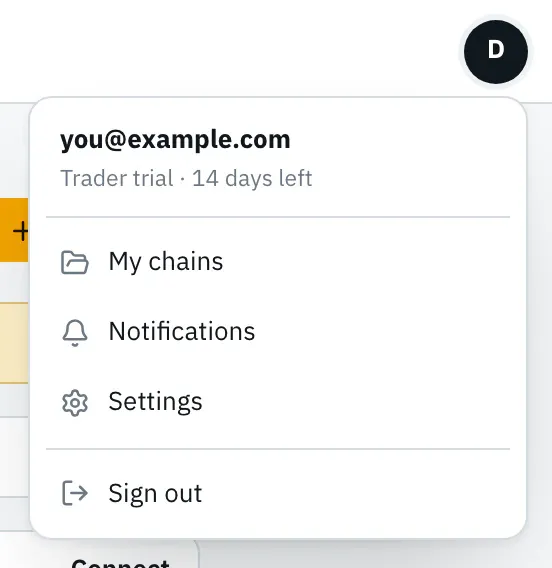
Section titled “The account menu”The circle with your initial at the top right opens the account menu: address, plan or remaining trial days, My chains, Notifications, Settings and Sign out.
Language, time zone and appearance
Section titled “Language, time zone and appearance”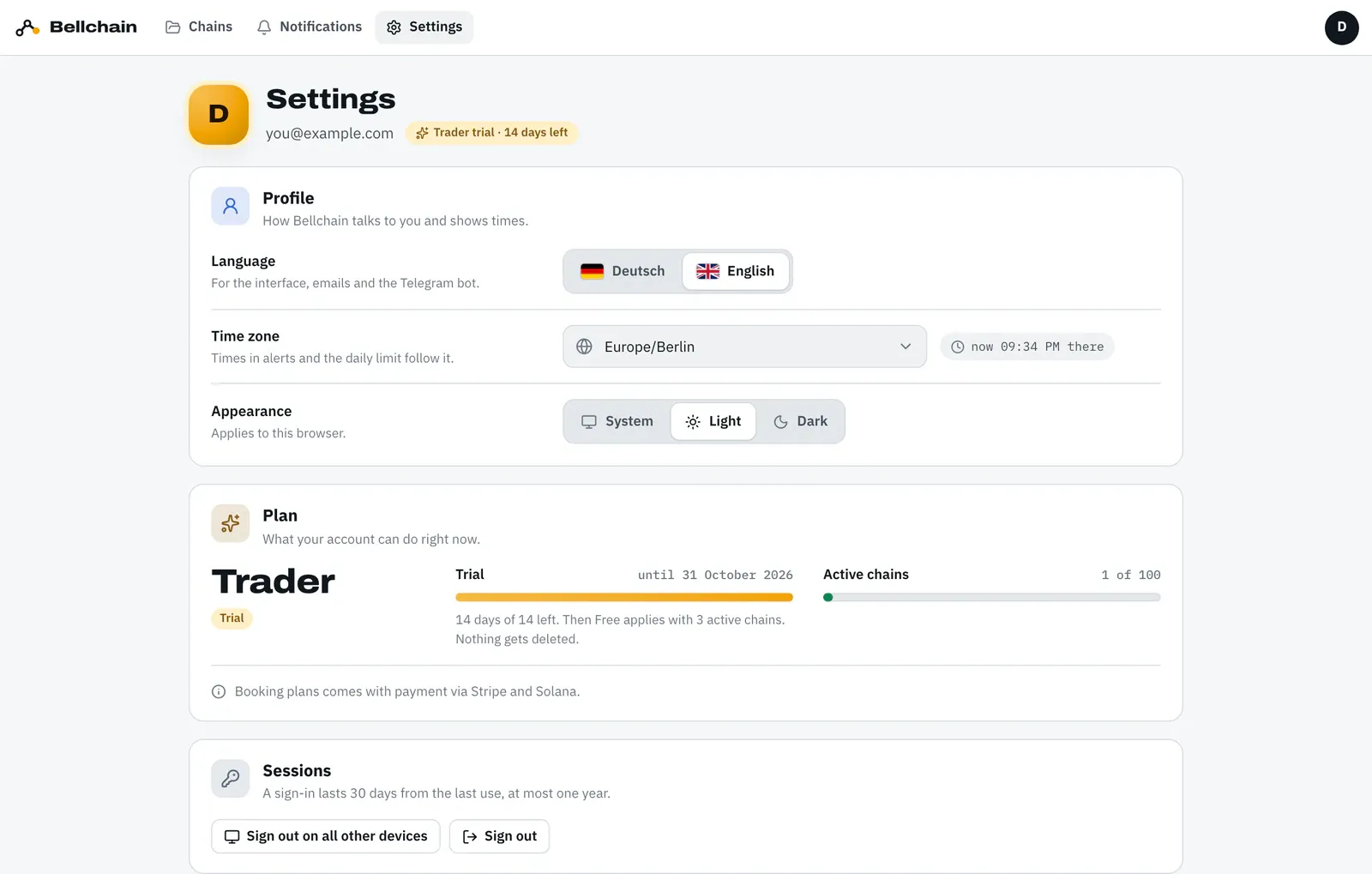
- Language applies to the interface, emails and the Telegram bot.
- Time zone sets the times in alerts and when a calendar day starts for the daily limit.
- Appearance (System, Light, Dark) applies to this browser only.
Sessions and signing out
Section titled “Sessions and signing out”A sign-in lasts 30 days from the last use, at most one year. Sign out ends the session in this browser. Sign out on all other devices ends all others, for example if you lost a phone.
Deleting your account
Section titled “Deleting your account”Deleting your account and downloading your data are coming to the settings. Until then, write to us from your sign-in address at hello@bellchain.app. We delete the account with all chains, channels, devices and the history.