Managing and activating chains
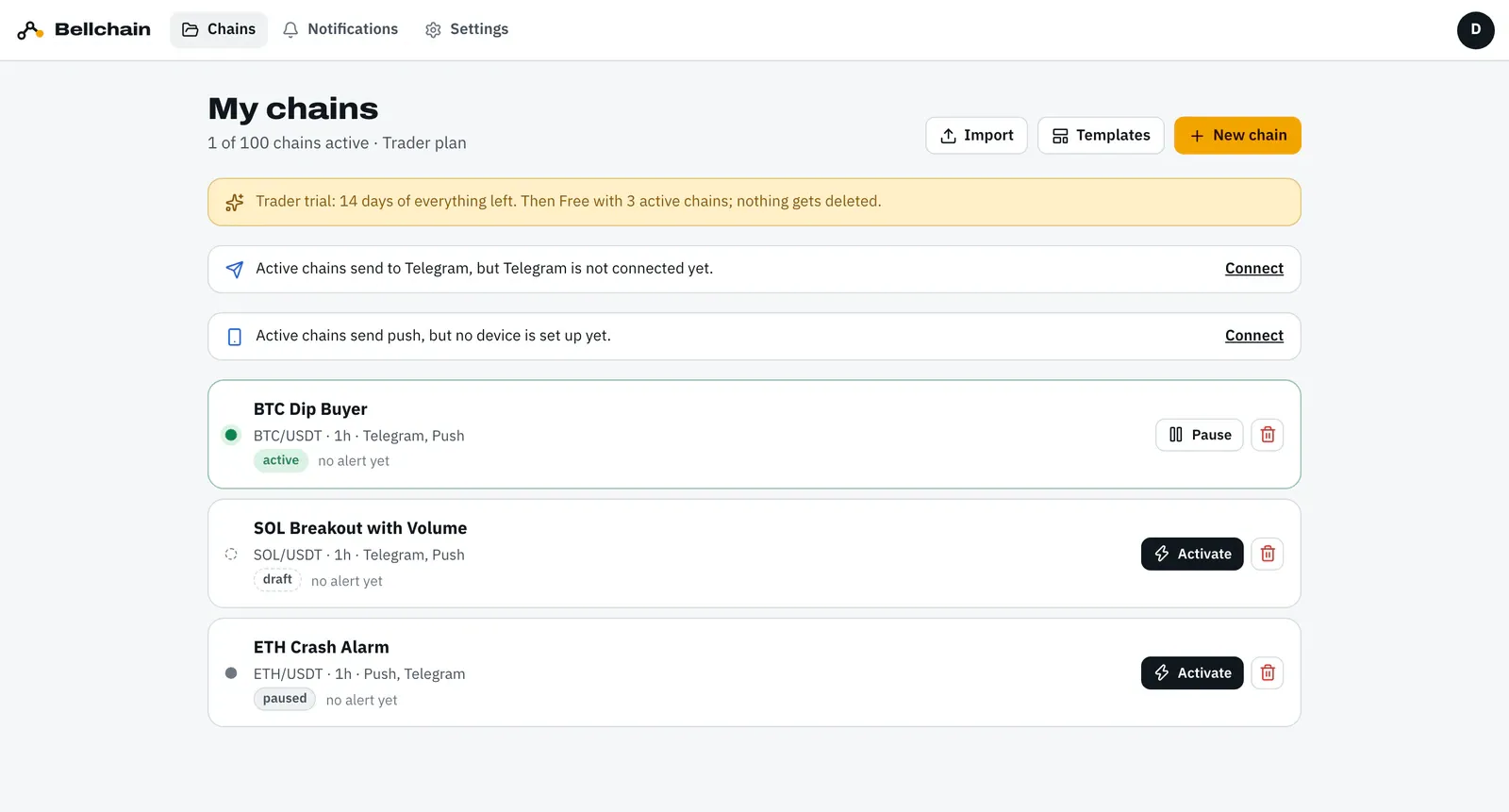
Signed in, you find all chains under Chains (My chains). Every chain has a state, and only active chains notify you.
States
Section titled “States”| State | Means |
|---|---|
| draft | saved but never activated; doesn’t notify you |
| active | runs at every candle close and notifies you |
| changes not live | active, but the editor has newer changes; the last applied version is still running |
| paused | stopped, by you or via Telegram /pause; nothing is lost |
| paused · plan limit | your plan currently allows no more active chains, for example after the trial |
Each chain lists its pair and timeframe, the channels of its actions and its last alert (“last alert …” or “no alert yet”).
Activating
Section titled “Activating”Click Activate in the list or in the editor. Bellchain checks the chain strictly:
- All required inputs are connected, required fields filled in.
- There is at least one action.
- The smallest timeframe fits the plan, in the Free plan candles from 15 minutes.
- Webhooks are available from Pro.
- There is room left among your active chains.
If something is missing, the message names the reason. After activation the chain runs from the next candle. A missing channel such as Telegram doesn’t block it; the list then shows a note with “Connect”.
Applying changes
Section titled “Applying changes”You can keep editing an active chain without half-typed values going live. The top bar then reads “Active · changes not live”. Only Apply checks the new state and makes it the running version.

Pause, resume, delete
Section titled “Pause, resume, delete”- Pause stops the chain. Activate resumes it.
- In Telegram,
/pausepauses all chains at once and/pause offresumes them, see Telegram. - Delete (trash can) removes the chain. The history of its alerts stays.
New chains
Section titled “New chains”New chain creates an empty chain, Templates starts from a ready-made chain, Import takes a chain as JSON. Chains you built in the browser without an account move along when you sign in, see Account.