First alert in three minutes
You don’t need an account to start: the editor runs in your browser and saves your chains there. You only sign in once a chain should actually notify you.
The goal of this guide: a Telegram message as soon as Bitcoin’s RSI 14 drops below 30.
-
Open the editor
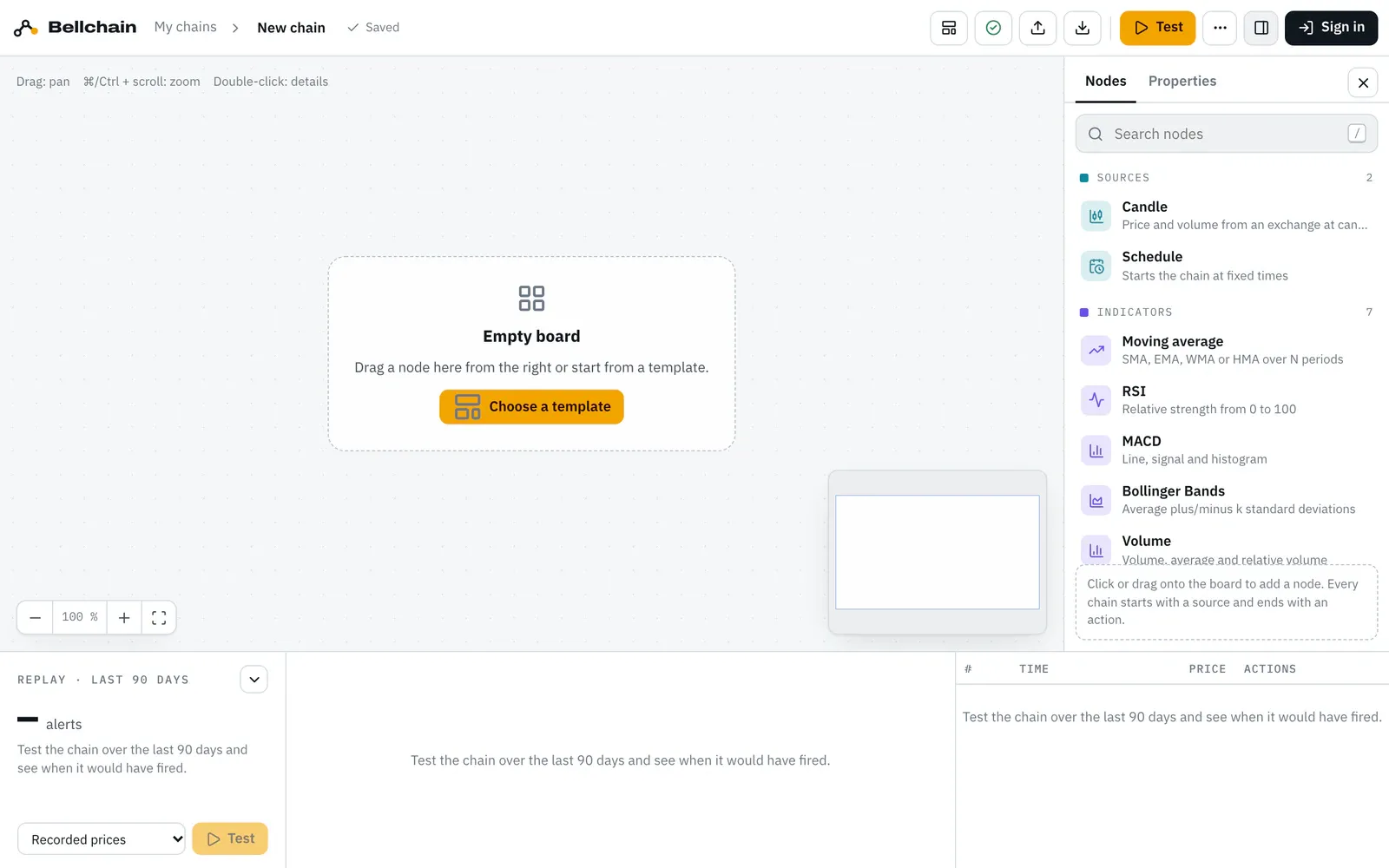
Open app.bellchain.app. On your first visit the template “BTC Dip Buyer” is on the board. For an empty board, click “My chains” at the top left and then “New chain”.
-
Drag a candle onto the board
On the right, the node panel lists the Candle under “Sources”. Drag it onto the board or click it. The candle provides price and volume at every candle close. Set pair and timeframe on the right under “Properties”, for this example BTC/USDT and 1 hour.
-
Place an RSI and connect it
Put an RSI from the indicators next to it. Then drag a connection from the candle’s round “Price” pin to the pin on the left of the RSI. Round pins carry numbers, square pins true or false. More under Connecting pins.
-
Add a comparison
The Compare node from the conditions turns the RSI into a signal. Connect the RSI output to it. Condition “below” and threshold 30 are already set; the board now reads “RSI 14 below 30”.
-
Add Telegram
Place Telegram from the actions and connect the comparison’s square output to the “Trigger” input. Instead of Telegram you can use push or email, or all three side by side.
-
Test
Click Test at the top or press ⌘/Ctrl + Enter. The replay runs the chain over the last 90 days and lists every alert with time, price and values.
-
Sign in and activate
Click Sign in at the top right. You get a link and a code by email, there is no password. Your chain moves to your account. Then connect Telegram under “Notifications” and click Activate in the chain.
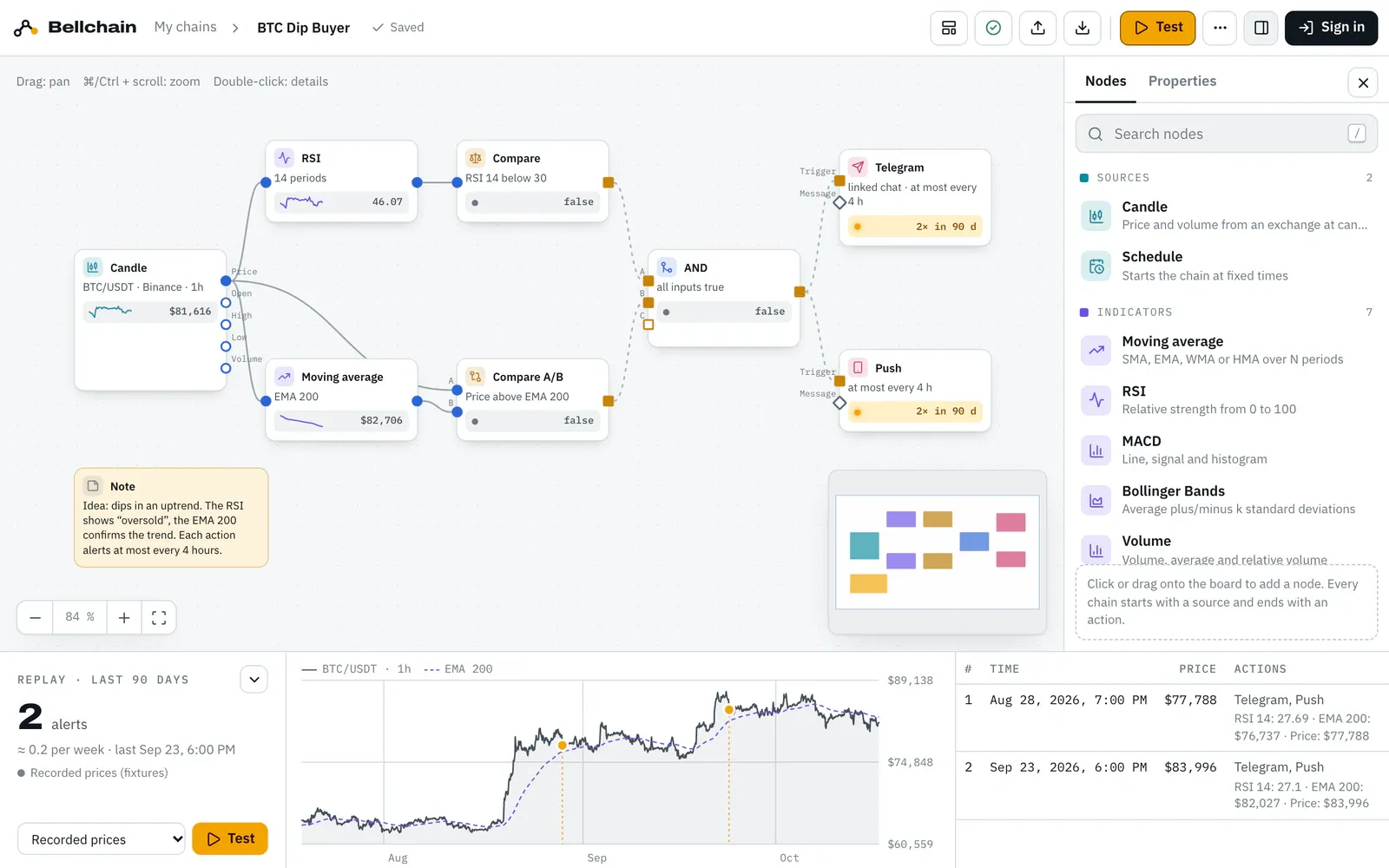
- Node panel: search or browse by category.
- Board: move nodes, zoom with ⌘/Ctrl and scrolling.
- Live value: the value at the last candle of the test, “true” or “false” for conditions.
- Replay: how often the chain would have fired in 90 days.
What the result tells you
Section titled “What the result tells you”The chain only notifies you when the RSI drops below 30, i.e. when the signal switches from false to true. If it stays there, no second message comes. After that, every action rests for 4 hours by default. How to read and tune the result is explained under Testing with replay.
Faster with a template
Section titled “Faster with a template”The template “BTC Dip Buyer” combines the RSI with a trend filter: it only notifies you when the price is above the EMA 200 at the same time.
Open the template in the editor