Settings and notes
Configuring a node
Section titled “Configuring a node”Click a node on the board. The panel on the right switches to Properties.
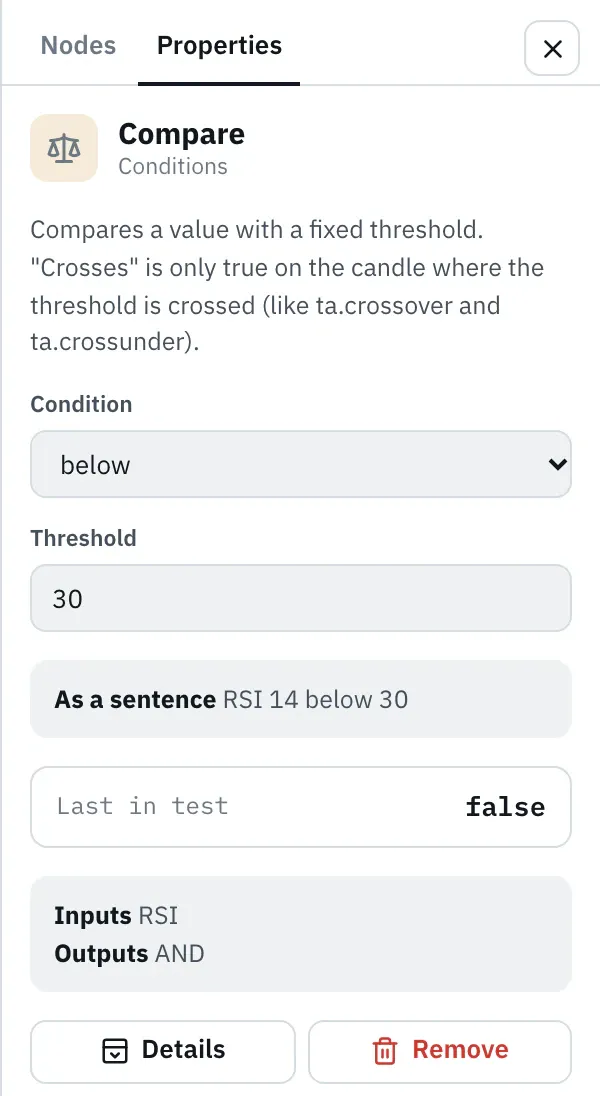
From top to bottom:
- Header with name and category.
- Description: what the node does and how it calculates.
- Settings: number fields with their allowed range (such as “2–100”), select lists and text fields. Less common settings such as the time zone are under More. Changes apply immediately.
- As a sentence: how the node reads with its inputs, such as “RSI 14 below 30”. The card shows the same sentence.
- Last in test: the value at the last candle of the latest test.
- Inputs and Outputs: what the node is connected to.
- Details and Remove.
- Technical details, collapsed: type, version and the id on the board, such as
core.compare,1.0.0andk1. You only need them for the chain format.
The editor flags invalid values, such as a length outside the range. The card then shows “Invalid setting”, and the default value is used until you fix it. All settings with their defaults are listed in the node reference.
Details with the latest values
Section titled “Details with the latest values”Double-click a card or click “Details” to open the details: values at the input on the left, the settings in the middle, values at the output on the right, each for the latest candles in your time zone.
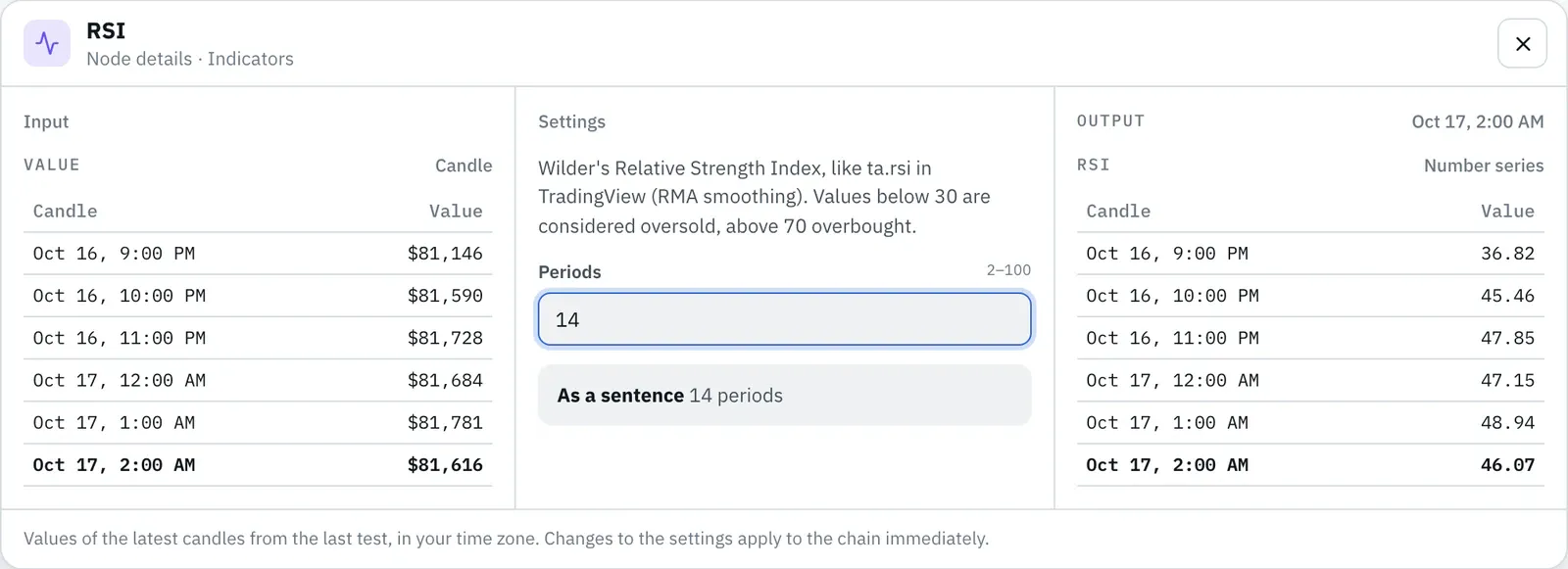
That’s how you check whether an indicator calculates as you expect, for instance against TradingView. Values only exist after a test.
Notes and errors
Section titled “Notes and errors”The check in the top bar reports “No errors”, a number of notes or a number of errors. A click lists them; “Show” jumps to the node concerned.
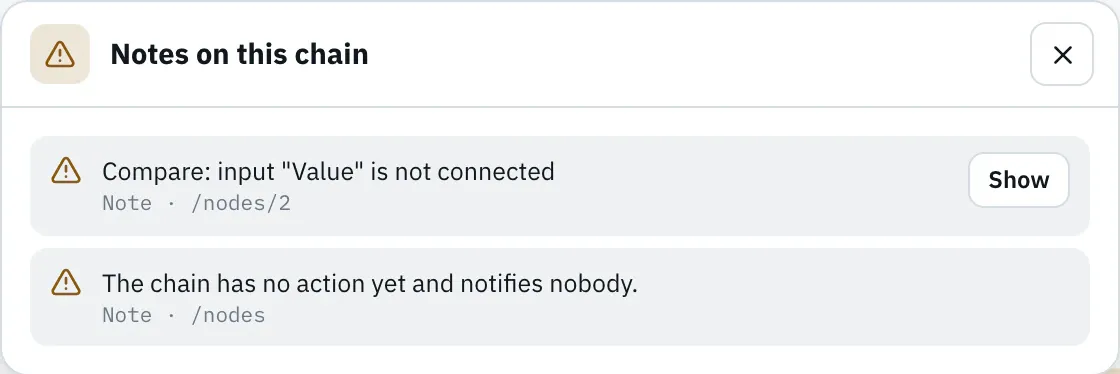
- Notes (yellow) let you keep building and testing, for example an open input or a chain without an action. The chain can only be activated once they are resolved.
- Errors (red) block the test, for example a loop, unknown nodes or candles with different timeframes in one chain.
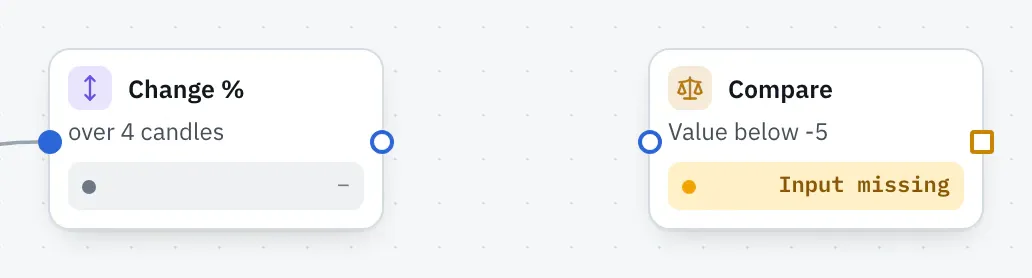
On the board, the card concerned shows the reason right away: