Connecting Telegram
Telegram alerts come from @BellchainBot. It connects with one click: you don’t have to type a token or a chat ID.
Connecting
Section titled “Connecting”-
Open Notifications in Bellchain and click Connect Telegram in the Telegram card.
-
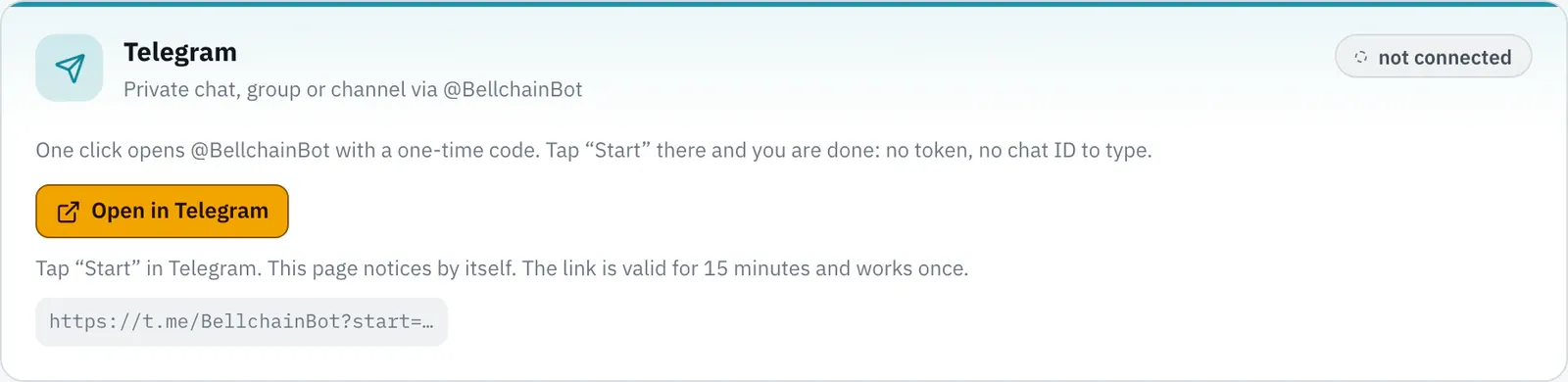
Click Open in Telegram. Telegram opens @BellchainBot with a one-time code.
-
Tap Start in Telegram. The Bellchain page notices by itself and shows “Telegram is connected”.
-
Click Send test. The test message arrives right away in your chat with the bot.
The link is valid for 15 minutes and works once. If it has expired, simply click “Connect Telegram” again. On your phone it works the same way: the link opens the Telegram app.
Under every alert
Section titled “Under every alert”In the private chat every message has three buttons:
- ✓ Acknowledge marks the alert as seen in the history.
- 🔕 4 h mutes this chain for 4 hours.
- Open chain opens the chain in Bellchain.
Commands
Section titled “Commands”| Command | Effect |
|---|---|
/status |
your chains with their state and latest alert, plus a running mute |
/mute 4h |
mute all alerts, such as 30m, 4h, 1.5h or 1d, at most 7 days; without a duration you get buttons for 1, 4, 8 and 24 hours |
/mute off |
lift the mute |
/pause |
pause all chains, with a button “Resume all” |
/pause off |
resume chains paused with /pause, as many as your plan allows |
/help |
help and contact |
The bot answers in the language of your Telegram. Commands with account data are only answered in the connected private chat.
Groups and channels
Section titled “Groups and channels”A chain can also post to a group or channel, for example for a trading group:
- Add @BellchainBot to the group or channel, in channels as an admin allowed to post messages.
- In the Telegram node, enter the chat ID under Chat (for groups it starts with
-100) or the channel name with@.
Bellchain only sends there if you yourself are the creator or an admin of that group or channel. That way nobody can use their chains to post into other people’s groups. Messages in groups have no buttons.
Disconnecting
Section titled “Disconnecting”Under Notifications, Disconnect removes the connection. Telegram alerts then only go to the history. If you block the bot in Telegram, Bellchain disconnects it by itself at the next alert; just connect it again afterwards.